


Data integrity is the foundation of any robust application architecture. When the blueprint of that architecture—the Entity Relationship Diagram (ERD)—contains flaws, the consequences extend far beyond a simple error log. Structural inconsistencies in data modeling can lead to transaction failures, data corruption, and significant production downtime. Engineers must approach schema validation with rigorous scrutiny to ensure that the logical design translates accurately into physical implementation.
This guide provides a detailed examination of common ERD failure points, diagnostic strategies, and mitigation protocols. By understanding the mechanics of how relationships, constraints, and data types interact, teams can identify vulnerabilities before deployment.
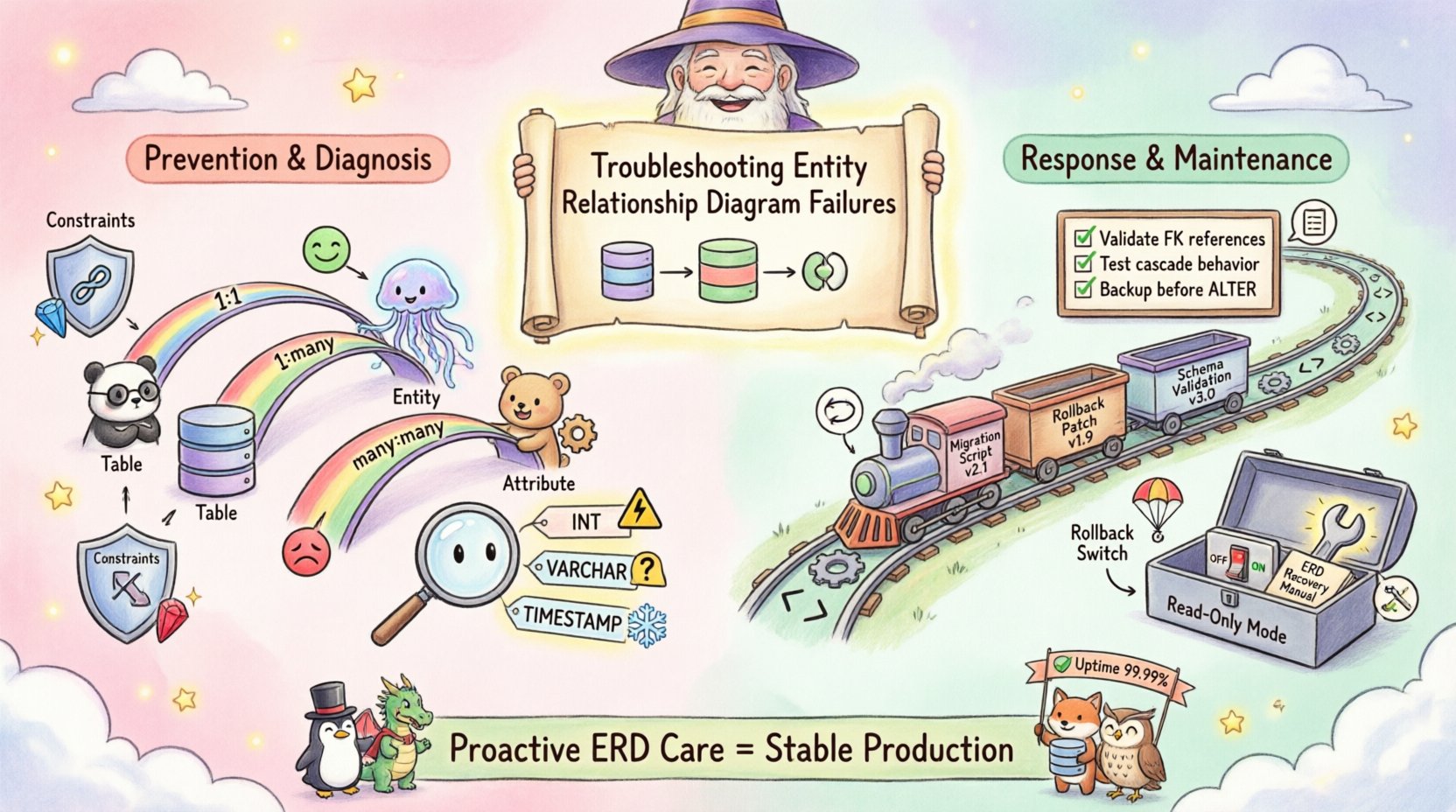
Why Schema Design Matters for Availability 🏗️
The Entity Relationship Diagram serves as the contract between the application logic and the database engine. It defines how data is stored, retrieved, and related. A failure in this contract often manifests as a runtime exception that halts operations. Unlike frontend rendering issues, database schema errors frequently block write operations, preventing users from completing transactions.
When an ERD does not align with the actual database state, the following risks emerge:
- Transaction Rollbacks: If a foreign key constraint is violated during a transaction, the database engine may reject the entire operation.
- Performance Degradation: Incorrect indexing strategies derived from flawed relationships can cause full table scans under load.
- Data Loss: Improper handling of
CASCADEorRESTRICTrules can lead to unintended deletion of critical records. - Application Crashes: Code expecting specific column structures will throw exceptions when the schema differs.
Identifying Structural Flaws in Relationships 🔗
The core of an ERD lies in the relationships between entities. These relationships define cardinality (one-to-one, one-to-many, many-to-many) and participation (mandatory or optional). Misinterpreting these definitions is a primary source of production incidents.
Cardinality Mismatches
Cardinality dictates the number of instances of one entity that can be associated with another. A common error occurs when the diagram specifies a one-to-many relationship, but the application logic attempts to associate multiple parent records with a single child record.
Signs of a Cardinality Issue:
- Unexpected duplicate entries in child tables.
- Validation errors when saving related data.
- Queries returning fewer rows than expected due to strict join conditions.
Referential Integrity Violations
Referential integrity ensures that relationships remain consistent. If a parent record is deleted, the system must decide what happens to the child records. Without explicit rules defined in the ERD, the database engine defaults to restrictive behavior or allows orphaned data.
Common Scenarios:
- Orphaned Records: Child records persist after the parent is removed, breaking application logic that expects a parent ID to exist.
- Cascading Deletes: A deletion in a primary table triggers a chain reaction, wiping out related data that should have been preserved for auditing.
- Update Conflicts: Changing a primary key in a parent table without updating the foreign key in the child table breaks the link.
Data Integrity and Constraint Conflicts ⚖️
Constraints are the rules that enforce data quality. They are not merely suggestions; they are hard boundaries enforced by the database engine. When the ERD implies constraints that the database cannot support, or when constraints are defined too loosely, data corruption becomes a risk.
Nullability Errors
Every column in a schema must be defined as either nullable or non-nullable. The ERD should reflect this clearly. A mismatch here leads to immediate insertion failures.
Diagnostic Questions:
- Does the application allow empty values for this field?
- Is the ERD marked as
NOT NULLwhile the application logic sends nulls? - Are default values defined to handle missing inputs?
Data Type Mismatches
Using the wrong data type can cause silent truncation or explicit rejection. For example, storing a large integer in a small integer column results in overflow errors. Storing a string in a date field requires parsing, which can fail if the format is inconsistent.
Table: Common Data Type Pitfalls
| Data Type | Common Error | Impact |
|---|---|---|
| Integer (Fixed Width) | Overflow during calculation | Transaction aborts or wraps around to negative |
| VARCHAR vs CHAR | Padding issues | Comparison failures due to trailing spaces |
| Timestamp vs Date | Timezone discrepancies | Incorrect sorting or filtering of records |
| Boolean (Bit vs True/False) | Implicit conversion | Logic errors in conditional statements |
The Deployment Pipeline Vulnerability 🔄
Even a perfect ERD can cause downtime if the deployment process does not account for schema changes. Moving a schema from development to production involves migration scripts. These scripts must be idempotent and safe to run on existing data.
Migration Script Risks
Scripts that alter tables while the application is running can lock resources. Long-running migrations block write operations, leading to time-outs for users.
- Locking Tables: Adding a column to a large table can lock the table for the duration of the operation.
- Index Reconstruction: Rebuilding indexes can consume significant I/O, slowing down the database.
- Backward Compatibility: Deploying a new schema version before the application code is ready causes the app to query non-existent columns.
Diagnostic Checklist for Engineers 📋
Before deploying schema changes, a systematic review is essential. The following checklist helps identify potential points of failure.
Pre-Deployment Verification
- Compare Models: Ensure the deployed ERD matches the source of truth. Differences indicate drift between design and implementation.
- Validate Constraints: Run queries to check for existing data that violates the new constraints.
- Review Indexes: Ensure new columns added to tables have appropriate indexes for query performance.
- Check Permissions: Verify that the database user has the necessary privileges to execute the schema changes.
- Backup Strategy: Confirm that a point-in-time backup exists before running migration scripts.
Post-Deployment Validation
- Smoke Tests: Execute basic CRUD operations to verify connectivity.
- Data Integrity Checks: Run counts on related tables to ensure relationships are intact.
- Performance Baselines: Compare query execution times against previous metrics.
- Application Logs: Monitor for constraint violation errors or timeout exceptions.
Remediation Protocols and Rollback Plans 🛠️
Despite best efforts, errors occur. When an ERD failure impacts production, a rapid response is necessary. The goal is to restore service while preserving data integrity.
Immediate Mitigation Steps
- Disable Affected Features: If a specific table is problematic, disable the application modules that access it.
- Read-Only Mode: Switch the database to read-only to prevent further data corruption during investigation.
- Rollback Migration: If a migration script failed, revert to the previous schema version using the backup.
Root Cause Analysis
Once service is restored, the root cause must be identified to prevent recurrence. This involves analyzing the ERD version history and the specific deployment steps.
Key Questions to Ask:
- Was the ERD updated before or after the application code change?
- Did the migration script handle existing data correctly?
- Were constraints enforced during the development phase?
- Was the schema validated against the production data volume?
Long-Term Maintenance and Evolution 📈
Schema design is not a one-time task. As business requirements change, the data model must evolve. Maintaining a healthy ERD requires ongoing discipline and version control.
Versioning the Schema
Treat the database schema as code. Every change should be tracked in a version control system. This allows teams to review changes, revert errors, and understand the history of the data structure.
- Migration Files: Store every change as a distinct, named file.
- Semantic Versioning: Tag schema versions to align with application releases.
- Documentation: Keep the ERD diagram updated alongside the code.
Automated Validation
Integrate schema validation into the CI/CD pipeline. Automated tools can check for common errors like missing indexes, unnormalized tables, or constraint violations before code reaches production.
- Static Analysis: Scan migration scripts for syntax and logical errors.
- Dynamic Testing: Run tests against a staging environment that mirrors production data.
- Monitoring: Set up alerts for constraint violation counts and query latency spikes.
Conclusion on Stability
Preventing production downtime caused by Entity Relationship Diagram failures requires a proactive approach to data modeling. By focusing on cardinality, constraints, and deployment safety, engineers can build systems that remain stable under load. The cost of fixing a schema error in production is significantly higher than the effort required to validate it during the design phase. Prioritizing data integrity ensures that the application continues to function reliably as it grows.
Continuous review of the data model, combined with rigorous testing protocols, forms the backbone of a resilient infrastructure. Teams that invest in these practices reduce the risk of critical failures and maintain the trust of their users.