
Mastering UML Sequence Diagrams with Visual Paradigm’s AI Refinement Tool
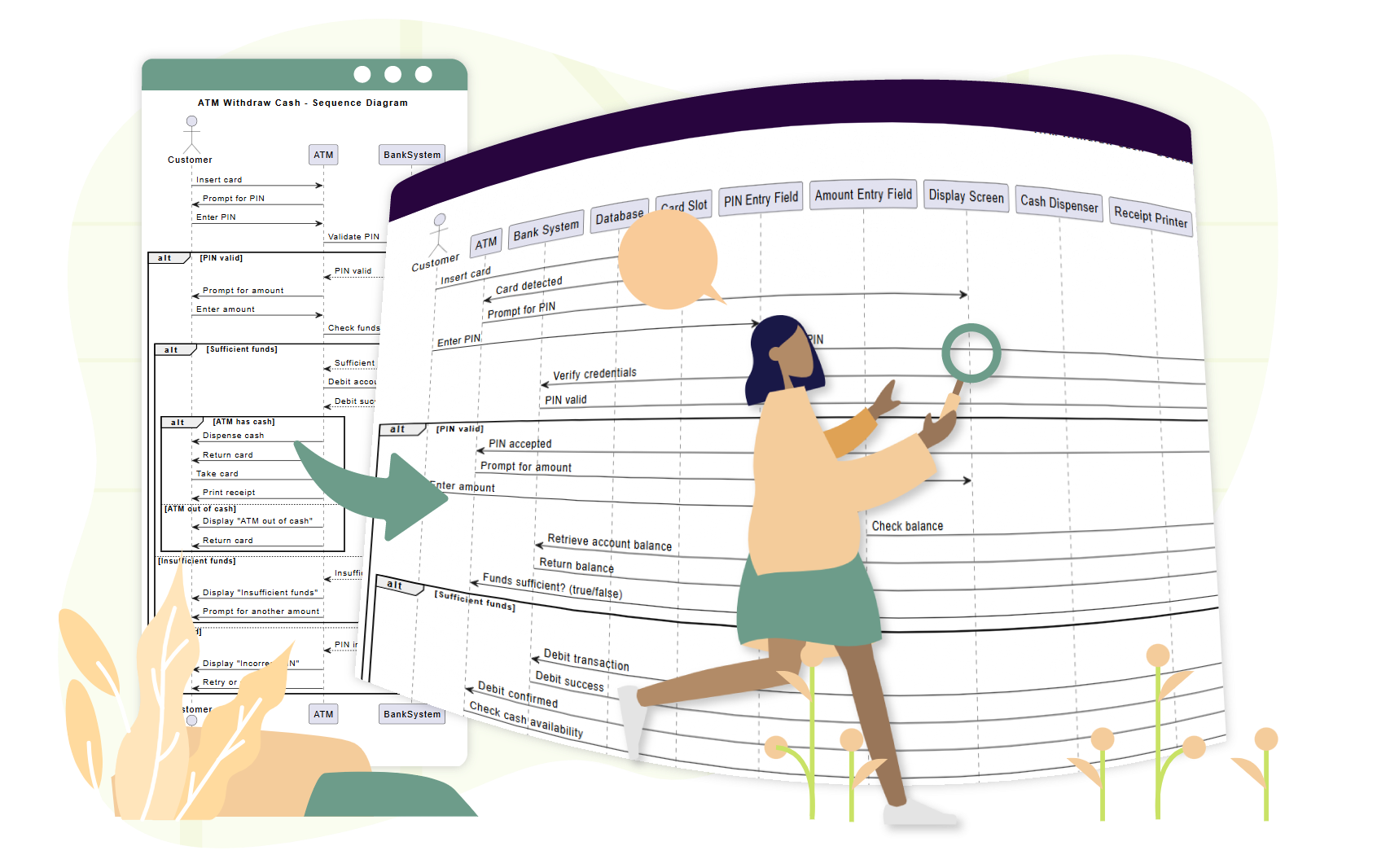
In the realm of software engineering, communication is key. A UML Sequence Diagram is one of the most effective ways to visualize how objects or actors interact over time. However, creating these diagrams manually can be time-consuming and tedious. This is where Visual Paradigm’s AI Sequence Diagram Refinement Tool changes the game, allowing you to generate complex, multi-layered diagrams directly from text prompts.
This tutorial will guide you through the architecture of the tool, the modeling concepts involved in the examples below, and how to leverage AI to streamline your design process.
Understanding the AI Refinement Tool Architecture
Unlike standalone AI chatbots, the Refinement Tool is deeply integrated into the Visual Paradigm environment. This integration allows for a seamless workflow where your conceptual ideas are transformed into technical, editable models without leaving the application.
How the Tool Works
The system operates on a three-step cognitive process:
- Input Analysis: The AI parses your prompt, basic diagram descriptions, or high-level use cases to identify key components.
- Structural Enhancement: It doesn’t just list interactions; it often enhances the architecture by adding necessary layers (e.g., separating Views, Controllers, and Models) to ensure technical precision.
- Visual Generation: It renders a refined diagram that you can immediately review, edit, or export.
Accessing the Tool
To utilize this powerful feature within your Visual Paradigm Desktop or Online environment, follow this specific workflow:
graph TD
A[Launch Visual Paradigm] --> B[Navigate to Tools > Apps]
B --> C[Select Sequence Diagram Refinement Tool]
C --> D[Input Data: Prompt or Use Case]
D --> E[AI Processing & Analysis]
E --> F[Review and Edit Generated Diagram]
Deep Dive: Real-World Modeling Scenarios
Let’s explore how the AI handles scenarios ranging from simple user interactions to complex backend logic.
Scenario 1: User Login (Iterative Refinement)
This example demonstrates the power of Iterative Refinement. Instead of trying to prompt for every single detail at once, you can build the complexity layer by layer.
Initial Prompt: “Generate a UML sequence diagram for a user logging into a website. Include steps for entering credentials, server validation, and success/error handling.”
AI Output: The AI creates lifelines for the User, Login UI, Server, and Database. It intelligently includes an alt (alternative) fragment to show the branching paths for a successful login versus invalid credentials.
Refinement Step: You can then ask the AI to update the diagram: “Add two-factor authentication after password validation.”
Result: The diagram is updated to include an Authenticator lifeline and an opt (optional) fragment for the 2FA process, showing how the system adapts to new requirements.
Scenario 2: Complex E-Commerce Checkout
For complex systems involving multiple external services, the AI excels at managing the sheer volume of interactions.
Scenario: A user wants to model a full checkout flow involving multiple external services.
Prompt: “Create a detailed UML sequence diagram for an e-commerce checkout process. Actors: Customer, Frontend App, Cart Service, Payment Gateway, Inventory System, Email Service. Include branches for invalid promo, out-of-stock items, and payment decline.”
Result: The AI generates a comprehensive diagram with over 7 actors and 15+ messages. It correctly places alt fragments for error handling (e.g., payment decline) and distinguishes between synchronous and asynchronous messages. This demonstrates the tool’s ability to save hours of manual drafting time.
Scenario 3: Video Streaming Logic
Understanding technical backend logic is crucial for system architects. The AI helps visualize the data flow in complex environments.
Prompt: “Create a sequence diagram that explains how a video streaming platform starts playback when a user clicks play.”
Result: The output details the flow from the User to the Streaming Client, Video Server, and CDN. It visualizes the request for metadata, the return of adaptive bitrate JSON, and the fetching of video chunks.
Best Practices for Prompt Engineering
To get the most out of Visual Paradigm’s AI, consider these tips when crafting your prompts:
- Use Action Verbs: Start commands with clear directives like Generate, Refine, or Add.
- Be Specific: Mention specific UML elements you want to see, such as “use an alt fragment for payment failure.”
- Build Progressively: Start with a high-level flow, then use iterative prompts to add complexity, exceptions, and specific architectural details.
- Verify Domain Accuracy: While the AI is powerful, always review the output for domain-specific accuracy. AI accelerates the process but does not replace the need for human expertise.
Conclusion
Visual Paradigm’s AI capabilities—from the web-based Chatbot to the integrated Refinement Tool—democratize the creation of complex technical diagrams. By automating the tedious aspects of UML modeling, these tools allow developers and architects to focus on high-level design and logic. Whether you are prototyping a new feature or documenting a legacy system, AI-powered sequence diagrams offer a path to higher-quality software design with significantly less effort.